
Get Ready for the Challenge
Get Ready for the Challenge
1 Course position and tonight’s promise

Welcome to Day 0 of Module 1: Safe AI Foundations. In about 60 minutes, you will prepare a safe practice workspace and save a named Readiness Pack for your AI challenge portfolio. No AI experience is required.
Imagine you are about to ask an AI tool to improve a resume. Which would you choose: upload your real resume immediately, or practise first with a fictional copy? Predict what could go wrong before continuing.
2 What you will learn and why it matters
- Create and secure free tool accounts without relying on one provider.
- Join the learning community without publishing contact details or private files.
- Prepare a resume PDF, family photo, and bill/table image using fictional or redacted practice content.
- Understand the build-and-keep session routine: predict, build, verify, revise, export, and reflect.
- Explain why fluent output still needs a human accuracy and safety check.
3 What to have nearby

- A browser and an email address you can access; a password manager is recommended.
- A local folder you control. Suggested name: AI-Challenge-Portfolio/Day-00-Readiness.
- The fictional samples in this lesson. You do not need to upload any real document or image.
- Ten quiet minutes for security settings. Interface labels can change, so use the provider’s current Help or Security page if a control is renamed.
4 Simple explanation, then accurate vocabulary
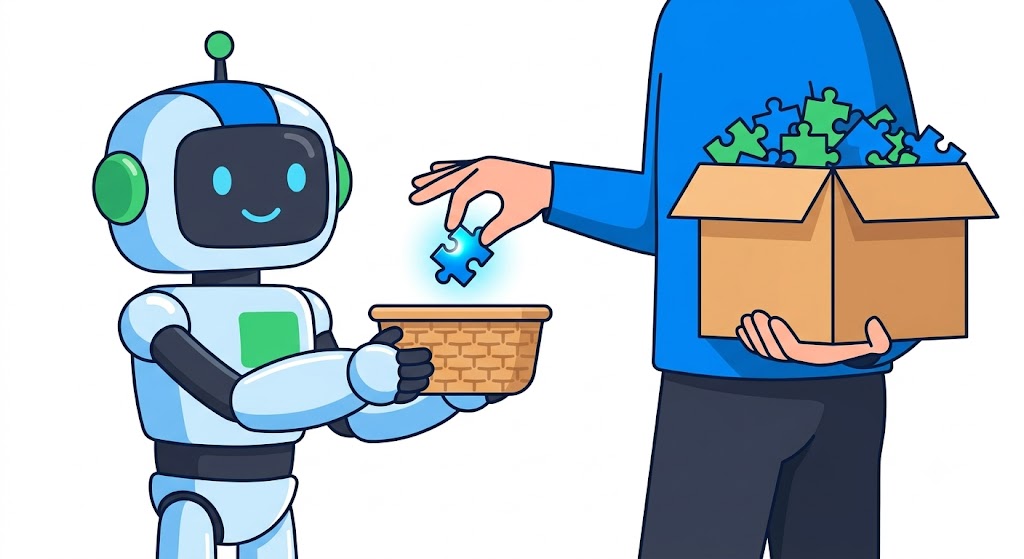
An Account is your sign-in identity. privacy means controlling how information about you is handled. personal data can identify you or reveal facts about you. A free tier costs nothing at entry but may impose changing limits. A watermark is a mark attached to generated or edited media.
| Plain-language idea | Accurate meaning | Action tonight |
|---|---|---|
| Lock the door | Use a unique password and multi-factor authentication (MFA). | Turn on MFA and store recovery codes safely. |
| Share a practice copy | Minimise, redact, or replace identifying data before processing. | Use fictional names, dates, faces, account numbers, and employers. |
| Check the rules | Service retention, training, ownership, limits, and commercial-use terms vary. | Read the current official privacy and terms pages. |
| Keep your work | Chat history is not a dependable archive. | Export the result and prompt to your own folder. |
5 Create and secure free tool accounts
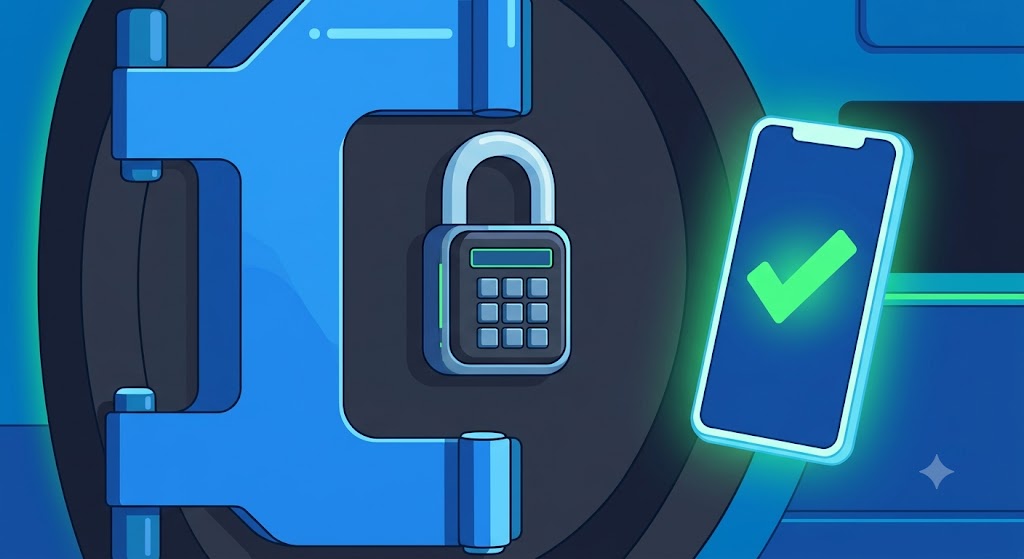
Choose one general text assistant and, only if later activities need it, one media tool. Product names are replaceable examples; do not assume that a free plan, feature, limit, watermark, ownership rule, or commercial right is permanent.
- Open the provider’s real website by typing the address yourself; avoid sponsored look-alike links.
- Review the official Privacy, Terms, and data-control pages. Record the date checked, not copied promises.
- Create a unique password in a password manager. Never reuse your email password.
- Enable MFA or passkeys. Save recovery codes outside the same device.
- Turn off optional model-training or history settings if that matches your risk tolerance, while remembering that settings do not make sensitive uploads safe.
- Sign out and sign back in once to prove recovery information works.
| Check | Evidence to record | Ready when |
|---|---|---|
| Authentic site | Typed domain or trusted bookmark | No look-alike domain |
| Password | Password manager entry—not the password itself | Unique and long |
| MFA | Enabled status | A second factor succeeds |
| Data controls | Date and page name reviewed | You know retention/training choices |
| Recovery | Codes stored securely | You can recover without sharing codes |
6 Join the learning community
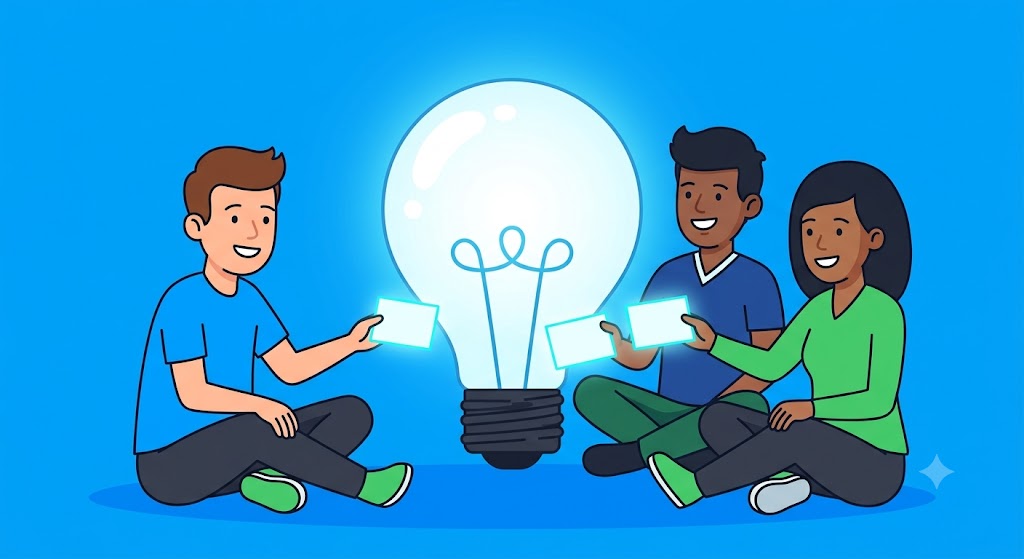
A learning community is useful for questions and peer feedback, but it is a public or semi-public audience—not a private vault. Use a display name allowed by the community, a neutral profile image, and the minimum profile details.
- Read the code of conduct and know how to report a post or message.
- Ask about the method, not about a person: share a fictional excerpt or screenshot with identifying areas removed.
- Do not post contact details, live meeting links, private prompts, real resumes, family photos, bills, or files from work or school.
- For a child’s task, an adult controls the account; AI may explain, but the child writes the submitted work.
Safe sample question: ‘My fictional table has a date column and an amount column. What prompt would request a monthly total and flag uncertainty?’ Unsafe version: posting the original bill and asking strangers to inspect it.
7 Prepare a resume PDF, family photo, and bill/table image
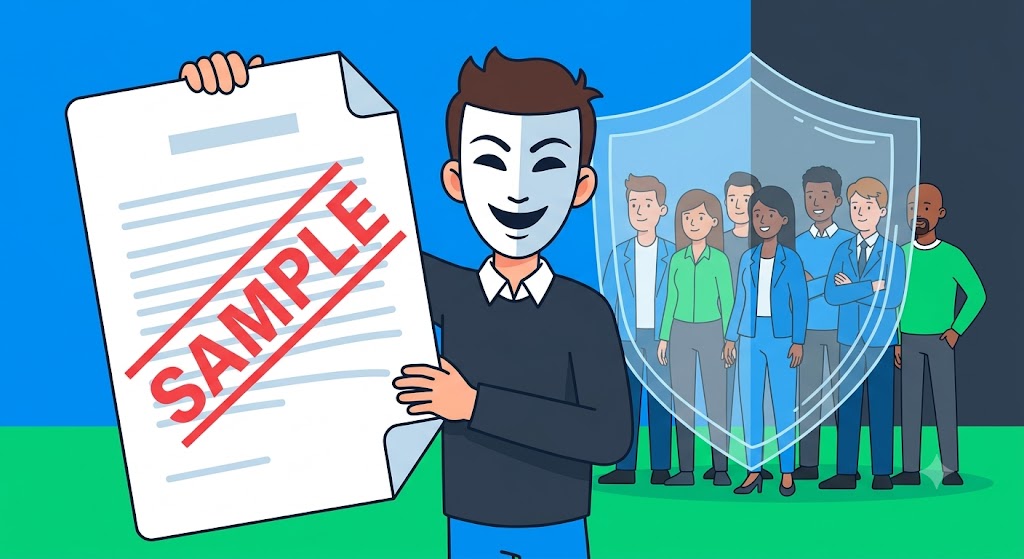
Create a practice set, not a disguised copy of sensitive originals. A crop or black rectangle can sometimes be reversed or leave useful clues; replacing the content with fictional data is safer for training.
| Practice file | Safe fictional content | Remove or replace | Verification |
|---|---|---|---|
| sample-resume-anita-rao.pdf | SAMPLE—Anita Rao; Example Town; fictional role | Phone, email, address, real employers, IDs | Open exported PDF; search text; inspect metadata |
| sample-family-picnic.jpg | Staged objects or consented stock/sample image | Faces, school badges, house numbers, location metadata | Zoom corners; inspect metadata; confirm permission |
| sample-electricity-table.png | SAMPLE account 0000; Jan–Mar; invented values | Account/consumer number, QR/barcodes, address, payment data | Read every visible pixel; totals match source table |
Before evidence: ‘resume-final.pdf’ contains a real phone number and unclear origin. After evidence: ‘sample-resume-anita-rao.pdf’ says SAMPLE on page 1, uses fictional details, and passes a visual, text-search, and metadata check.
8 Understand the build-and-keep session routine
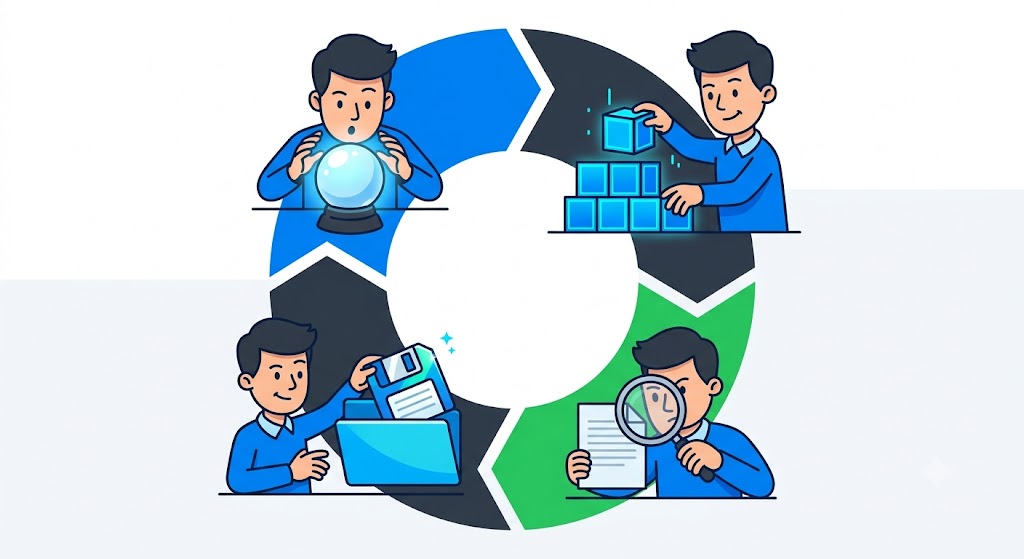
Use the same visible loop every session: Predict → Build → Verify → Revise → Export → Reflect. Prediction prevents button-clicking without purpose; verification separates a polished answer from a trustworthy one.
| Step | Before | After / evidence |
|---|---|---|
| Predict | “It should be fine.” | Written expected output and one risk |
| Build | Unstructured first attempt | Prompt states audience, output, and limits |
| Verify | Fluent appearance | Source, facts, format, pixels, and privacy checked |
| Revise | Accept first draft | One evidence-based correction recorded |
| Export + reflect | Work only in chat | Named local artifact plus one-line lesson |
- Text fallback: mark setup Working.
- Inspect the fictional input at the privacy gate.
- Return blocked content to that gate; do not repeatedly retry it.
- Have a person verify facts, format, permissions, and file contents.
- Mark Ready only after evidence passes.
- Export the result and reusable checklist.
9 Tool-neutral setup and replaceable examples
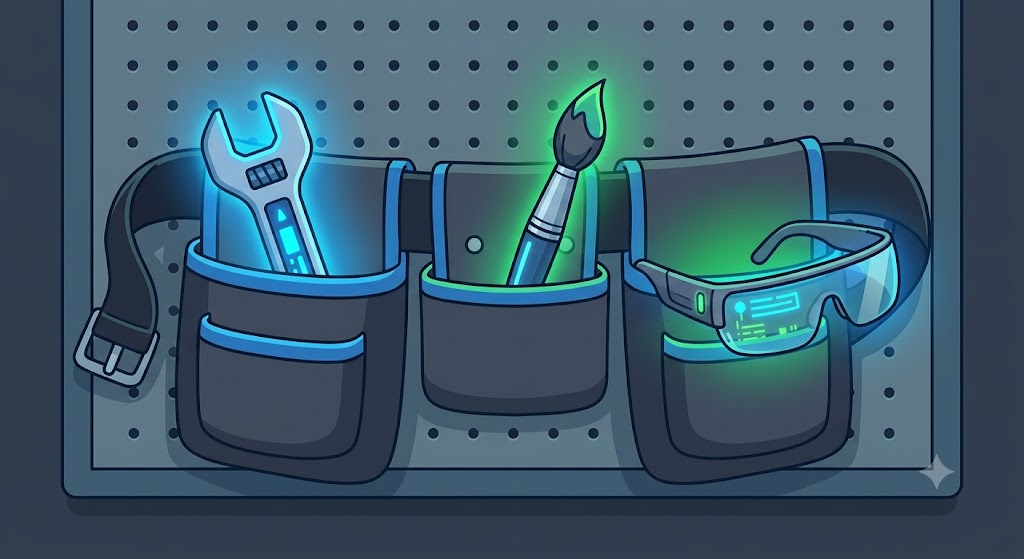
A browser-based text assistant, an image editor, PDF viewer, metadata inspector, password manager, and local file manager are roles—not endorsements. Interfaces and plan rules change. Search each provider’s current official help for Security, MFA, Data controls, Export, Delete, and Terms.
- GUI path pattern: profile picture → Settings → Security → MFA; labels may differ.
- Tool-neutral path: authenticate securely → minimise inputs → perform task → independently inspect → export locally.
- Offline path: complete the fictional checklist and folder structure without creating or uploading anything.
10 Facilitator-led demonstration: one realistic mistake
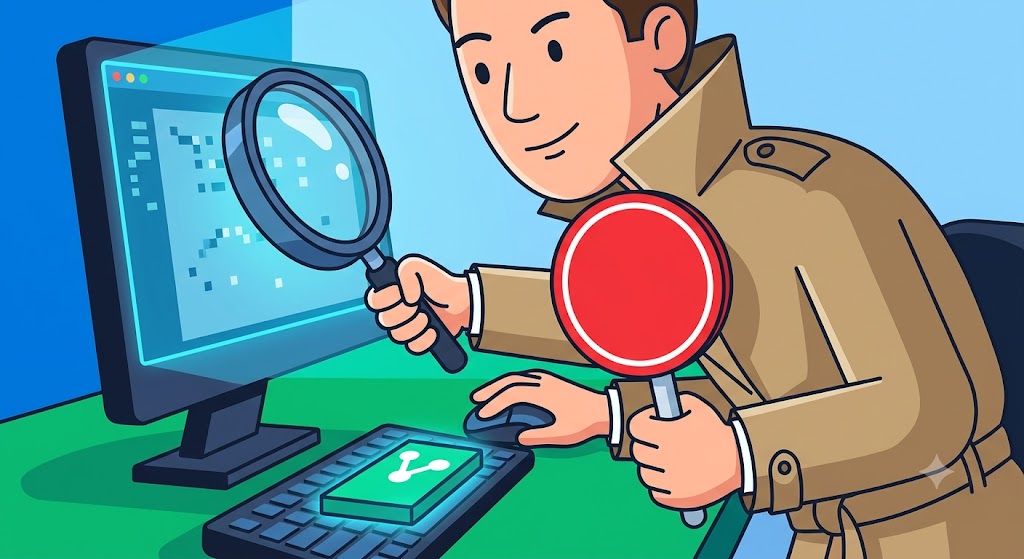
A facilitator begins with a poor file named resume-final.pdf and a weak request: ‘Make this better.’ Visible diagnosis: the filename is ambiguous, the PDF contains a real-looking phone number, and the request gives no audience, format, or limits. The upload is stopped before submission.
- Replace the document with SAMPLE—Anita Rao and fictional details.
- Rename it sample-resume-anita-rao.pdf.
- Use: ‘Audience: beginner office administrator. Output: five bullet suggestions, not a rewritten resume. Limits: use only the sample text; flag missing evidence; invent nothing.’
- Check every suggestion against the sample and reject an invented certificate.
- Revise the prompt to say ‘If evidence is missing, write NEEDS EVIDENCE.’
- Export readiness-checklist.txt, reusable-prompt.txt, sample files, and reflection.txt.
| Attempt | Visible result | Decision |
|---|---|---|
| First | Invents a certificate and assumes years of experience | Fail: unsupported claims |
| Revised | Labels missing claims NEEDS EVIDENCE and keeps five bullets | Pass after human source/format check |
11 Reusable prompt and readiness checklist
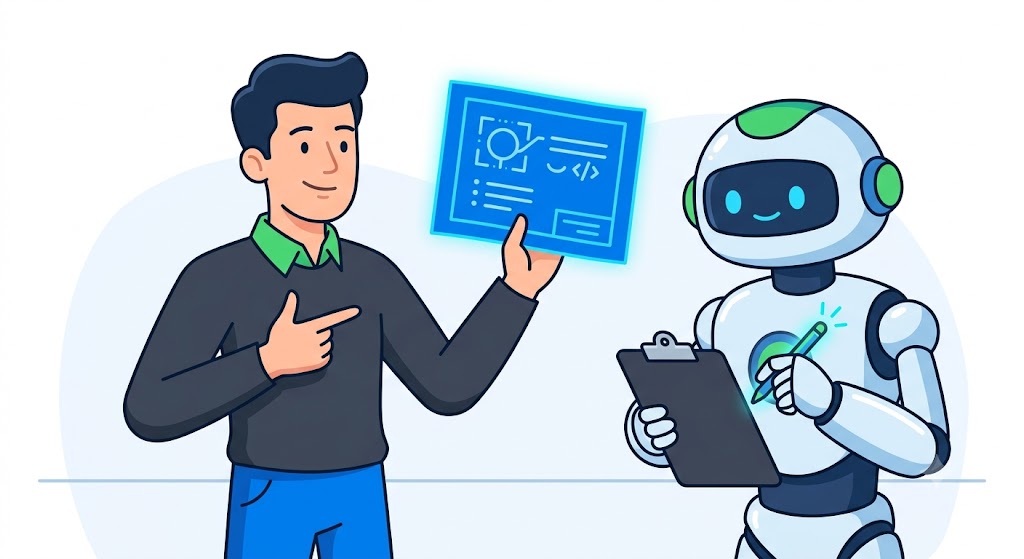
SAMPLE DATA ONLY — do not infer real identities.
Audience: [who will use the result]
Task: [one clear action]
Input: [paste fictional/minimised text, or say no upload]
Output: [format, length, filename]
Limits: use only supplied facts; mark missing facts NEEDS EVIDENCE; do not identify people.
Verification request: list claims that I must check.[ ] Account uses a unique password and MFA (no secrets recorded here)
[ ] Official privacy/data controls and current plan terms reviewed: DATE ____
[ ] Community profile/post contains no private details
[ ] All practice files say SAMPLE and contain fictional/consented content
[ ] Prompt states audience, output, and limits
[ ] Facts, format, pixels, metadata, permission, and links checked
[ ] Prompt, result, checklist, and one-line reflection exported locally12 Learner lab: build your Day 0 Readiness Pack
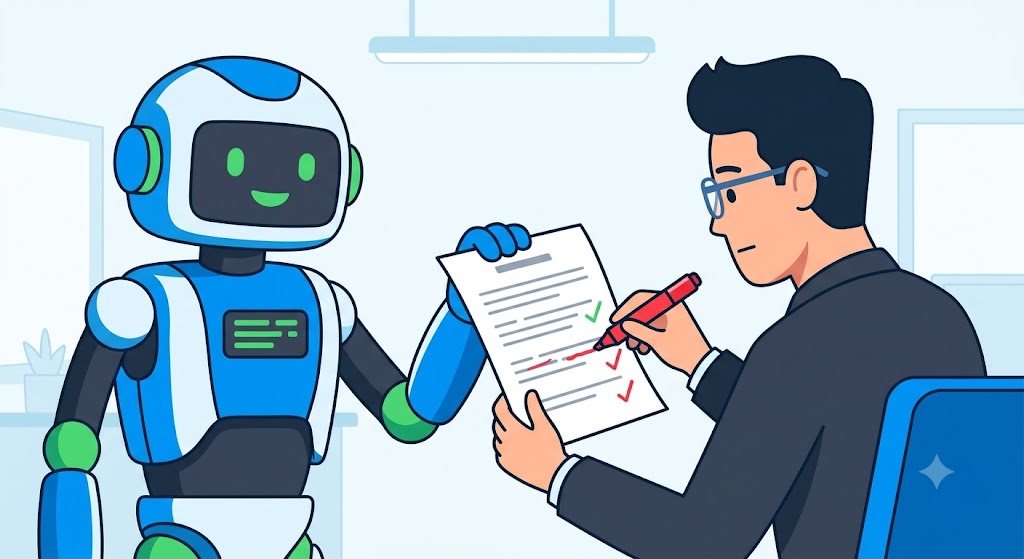
Expected output: AI-Challenge-Portfolio/Day-00-Readiness containing readiness-checklist.txt, reusable-prompt.txt, three safe sample files (or no-upload substitutes), and reflection.txt.
- Create the folder and filenames before opening an AI tool.
- Prepare non-sensitive fictional inputs and label each SAMPLE.
- Predict one outcome and one privacy or accuracy risk in reflection.txt.
- Run the first attempt only if the input checkpoint passes; otherwise use the no-upload sample.
- Apply the reusable prompt with audience, output, and limits.
- Verify requested format and every factual detail against the sample; inspect images/PDFs and do a manual check.
- Revise once based on evidence and record what changed.
- Export/save every artifact locally; reopen each file.
- Add one line: ‘I revised ___ because the evidence showed ___.’
13 Behind the scenes, limitations, safety, and verification

- The account card represents configuration; this page cannot see or certify your provider settings.
- The privacy gate represents your pre-upload inspection; automated redaction can miss text, faces, barcodes, metadata, or context.
- The prompt card is the exact instruction/input you submit. The tool-operation card simplifies model processing and does not imply reasoning or truth checking.
- Human review means comparing visible output with sources, facts, format, permissions, and official terms. It cannot make high-stakes professional advice safe.
- The exported artifact is your local file, not chat history or a screenshot that omits the prompt.
14 Common confusion, troubleshooting, and best practices

| Symptom | Likely cause | Safe fix |
|---|---|---|
| Output sounds confident but contradicts the sample | Fluency was mistaken for correctness | Stop; compare each claim with the source and remove unsupported claims. |
| Generic result | Too little context | Add audience, desired output, constraints, and safe source context. |
| First draft is almost right | No revision checkpoint | Mark exact failures and revise once from evidence. |
| Private detail appears in output | Sensitive input was exposed | Stop sharing; delete where supported, follow incident guidance, replace with fictional data—do not blindly retry. |
| Export shows a mark or feature is unavailable | Plan limit or watermark rule | Keep the mark, choose a permitted alternative, and confirm current official terms. |
| Work disappeared | Relied on chat history/autosave | Export named files after each stage and reopen them. |
| Repeated answers still disagree | No authoritative source | Stop retries; locate a source or perform a manual check. |
- Do minimise input and record verification evidence.
- Do keep recovery secrets outside the portfolio.
- Do respect consent, age rules, copyright, and community conduct.
- Do not use a polished tone as proof.
- Trainer tip: ask ‘What evidence changed your decision?’ rather than ‘Did the AI get it right?’
15 Takeaways

- Secure accounts with unique passwords, MFA, reviewed controls, and safe recovery.
- Treat communities as public or semi-public spaces.
- Practise on visibly fictional, non-sensitive files and inspect content plus metadata.
- Fluent is not the same as correct: verify with sources and manual checks.
- Keep every session’s prompt, result, checklist, and reflection in your portfolio.
Your finished Day 0 Readiness Pack is the first portfolio artifact. Completion is genuine when you can reopen it and explain one safety decision and one evidence-based revision.
16 What comes next
Next is Topic 01—What AI Is—and Is Not. Open it with the Next control and carry forward the same predict, verify, revise, and export routine.
- Reopen every saved file.
- Bookmark the course contents page and your providers’ official Security, Privacy, and Terms pages.
- Do not create additional accounts until a task genuinely needs them.
15 Knowledge check
Pick an answer for each question, then press Check answer. (Notes are disabled in this tab.)
1. What is the safest definition of an account?
2. Which input should you choose for the first resume practice?
3. Predict what happens when the readiness gate finds a real bill account number.
4. A fluent answer invents a certificate. What should you do?
5. Why export after the session?
16 Exercises—attempt before reveal
Try answering each question yourself before expanding the model answer.
1. Modify: Change the reusable prompt audience from “beginner office administrator” to “career adviser.” Record what changed in vocabulary or detail. Reveal after attempting.
2. Extend: Add a five-line verification checklist or a second fictional input. Reveal after attempting.
3. Apply: Use the method on one real, non-sensitive personal task. Reveal after attempting.
4. Optional challenge: Teach the workflow to someone and capture their question—not their personal data. Reveal after attempting.
17 Quick-review cards
Click a card to reveal the back.
Ready
Blocked
MFA
Data minimisation
Build and keep
18 Facilitator and interview Q&A
1. Explain readiness simply.
2. Demonstrate the workflow.
3. Diagnose a polished but weak result.
4. Identify one privacy and one accuracy risk.
5. Adapt the routine for a school audience.
19 Glossary
- Account
- Simple: your sign-in identity. Technical: a provider-managed identity with credentials, settings, and access controls. Page: /Tutorials/ai-for-everyone-00-get-ready-for-the-challenge
- privacy
- Simple: control over information about you. Technical: policies and choices governing collection, processing, retention, and disclosure. Page: /Tutorials/ai-for-everyone-00-get-ready-for-the-challenge
- personal data
- Simple: information connected to a person. Technical: data that identifies or can reasonably be linked to an individual. Page: /Tutorials/ai-for-everyone-00-get-ready-for-the-challenge
- free tier
- Simple: a no-cost service level. Technical: a provider-defined plan with changeable quotas, features, eligibility, and terms. Page: /Tutorials/ai-for-everyone-00-get-ready-for-the-challenge
- watermark
- Simple: a mark showing media origin or status. Technical: visible or embedded provenance/rights information that must not be removed without permission. Page: /Tutorials/ai-for-everyone-00-get-ready-for-the-challenge
- Create and secure free tool accounts
- Set up provider access with unique credentials, MFA, reviewed controls, and recoverability. Page: /Tutorials/ai-for-everyone-00-get-ready-for-the-challenge
- Join the learning community
- Participate under its conduct rules while sharing only minimised, fictional examples. Page: /Tutorials/ai-for-everyone-00-get-ready-for-the-challenge
- Prepare a resume PDF, family photo, and bill/table image
- Build clearly labelled fictional or consented practice files and inspect content and metadata. Page: /Tutorials/ai-for-everyone-00-get-ready-for-the-challenge
- Understand the build-and-keep session routine
- Predict, build, verify, revise, export, and reflect using visible evidence. Page: /Tutorials/ai-for-everyone-00-get-ready-for-the-challenge
- MFA
- Multi-factor authentication: a second sign-in factor beyond a password. Page: /Tutorials/ai-for-everyone-00-get-ready-for-the-challenge
- Data minimisation
- Providing only information necessary for the stated task. Page: /Tutorials/ai-for-everyone-00-get-ready-for-the-challenge
- Metadata
- Information stored about a file, such as creation software, author, time, or location. Page: /Tutorials/ai-for-everyone-00-get-ready-for-the-challenge
- Redaction
- Removing information so it cannot be read or recovered; visual covering alone may be insufficient. Page: /Tutorials/ai-for-everyone-00-get-ready-for-the-challenge
- Verification
- Comparing output with sources, constraints, permissions, and expected format. Page: /Tutorials/ai-for-everyone-00-get-ready-for-the-challenge
- Export
- Saving the prompt/result in a portable file you control. Page: /Tutorials/ai-for-everyone-00-get-ready-for-the-challenge